
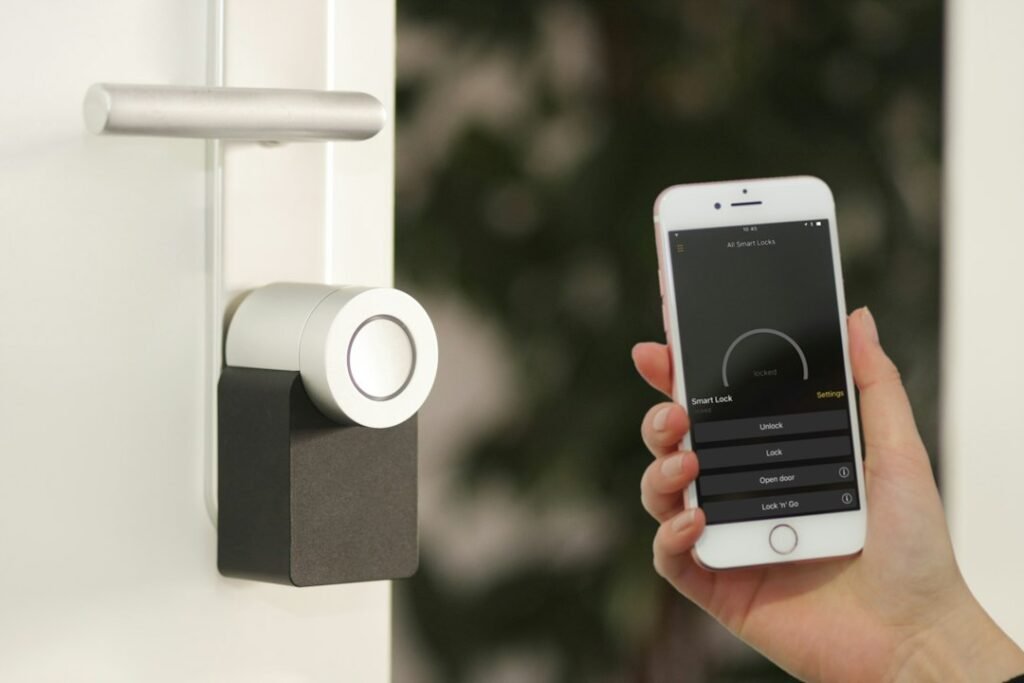
Smart speakers, video doorbells, connected locks, televisions, and thermostats can make a home more convenient. They may also collect account details, device activity, voice recordings, video, or information about household routines. Good smart home privacy starts with knowing what each device collects and limiting access to what is necessary.
Use this checklist when setting up a new device or reviewing the products you already own. Menu names vary by manufacturer, so look for equivalent privacy and security controls.
1. Review Data Collection Options
Open each device’s companion app and look for privacy, data, or improvement settings. Disable optional collection you do not want, such as sharing diagnostic information or using recordings to improve a service, when the product allows it. Check the privacy policy if a setting is unclear.
2. Secure Every Account
Use a unique, long password for the account that controls your devices. Turn on multifactor authentication when available, and remove old users or shared accounts that no longer need access. A secure device can still be exposed through a compromised account.
3. Update Firmware and Apps
Enable automatic updates where practical, and periodically check devices that do not update themselves. Updates can fix security problems and improve reliability. If a product no longer receives updates, consider whether it should remain connected to sensitive parts of your home network.
4. Limit Camera and Microphone Access
Place cameras thoughtfully, avoid recording private spaces, and review who can view live feeds or stored clips. Use physical shutters or mute controls when available. Check retention settings and delete recordings you no longer need.
5. Review Voice History
For voice assistants, find the history and deletion controls. Choose a retention period that fits your comfort level, and understand whether voice recordings or transcripts are stored. Disable voice purchasing or add a confirmation step if accidental purchases are a concern.
6. Create a Separate Network for Smart Devices
If your router supports a guest network or separate IoT network, consider placing smart appliances there. This can reduce how directly those devices interact with laptops and other personal equipment. Follow the router’s guidance and ensure essential controls still work.
7. Remove Unneeded Integrations
Smart home platforms can connect many services together. Review linked accounts, automation routines, and third-party integrations. Remove services you no longer use and avoid granting broad permissions when a narrower option is available.
8. Check Sharing and Household Access
Review family members, guests, installers, and former residents who may have device access. Remove temporary permissions after a visit or repair. Before selling or giving away a device, unlink it from your account and perform the manufacturer’s reset procedure.
9. Plan for Outages and Account Recovery
Know how to operate essential locks, lights, and alarms if the internet or cloud service is unavailable. Keep account recovery methods current and store backup codes securely. Convenience should not leave you locked out of your own home.
: A Monthly Mini-Audit
- Check updates and account alerts.
- Review access lists and connected apps.
- Delete old recordings where appropriate.
- Test multifactor authentication and recovery options.
- Replace default passwords and remove unused devices.
Frequently Asked Questions
Are smart home devices always listening?
Capabilities vary by product. Some devices process a wake word locally and may send audio after activation; review the manufacturer’s documentation and privacy controls.
Should I put smart devices on a guest network?
A separate network can help isolate devices, if your router supports it and the setup does not break required features.
Do software updates really matter?
Yes. Updates may fix known vulnerabilities and should be installed through official device or app channels.
What should I do with an unsupported device?
Assess the risk, remove sensitive access, isolate it where possible, or replace it if it handles important data or controls.
How often should I review settings?
A quick monthly check and a more thorough review after adding devices or changing household access is a practical routine.
Final Thoughts
You do not need to disconnect every smart device to improve privacy. Start by reducing unnecessary collection, protecting accounts, keeping software current, and checking who has access. Small, regular reviews make a connected home easier to manage safely.
Digital Privacy in 2026: 12 Smart Habits That Actually Helphttps://futurestack.blog/digital-privacy-habits-2026/